

The release of GNOME 50 marks another important step forward for the Linux desktop ecosystem. Known for its minimalist design and usability-first philosophy, GNOME continues to refine its experience with meaningful improvements rather than disruptive changes.
In this article, we’ll explore what’s new in GNOME 50, its key features, performance enhancements, and whether it’s worth upgrading.
What’s New in GNOME 50
GNOME 50 focuses on refinement, performance, and user experience. While it may not introduce radical redesigns, the updates are practical and noticeable in everyday use.
🔹 Key Highlights:
- Improved system responsiveness
- Enhanced multitasking and workspace handling
- Refined user interface with smoother animations
- Better accessibility support
- Optimized resource usage
These updates collectively create a faster and more fluid desktop environment.
Performance Improvements
Performance is one of the most significant upgrades in GNOME 50. Users will notice:
- Faster application launch times
- Reduced CPU and memory usage
- Smoother transitions and animations
These improvements are especially beneficial for users running Linux on older or mid-range hardware, where efficiency makes a tangible difference.
User Interface and Design Enhancements
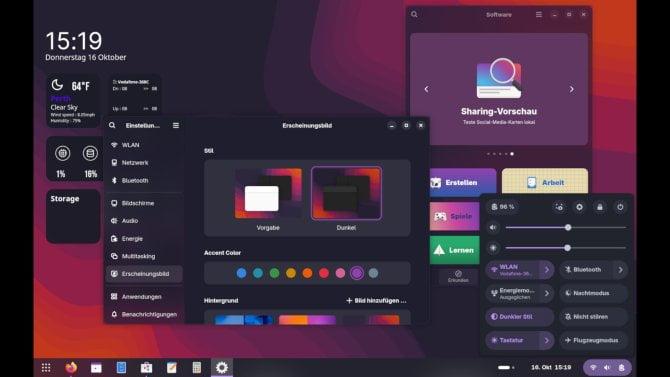
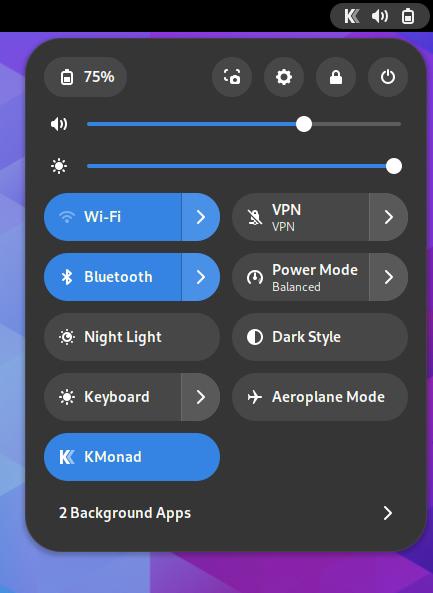
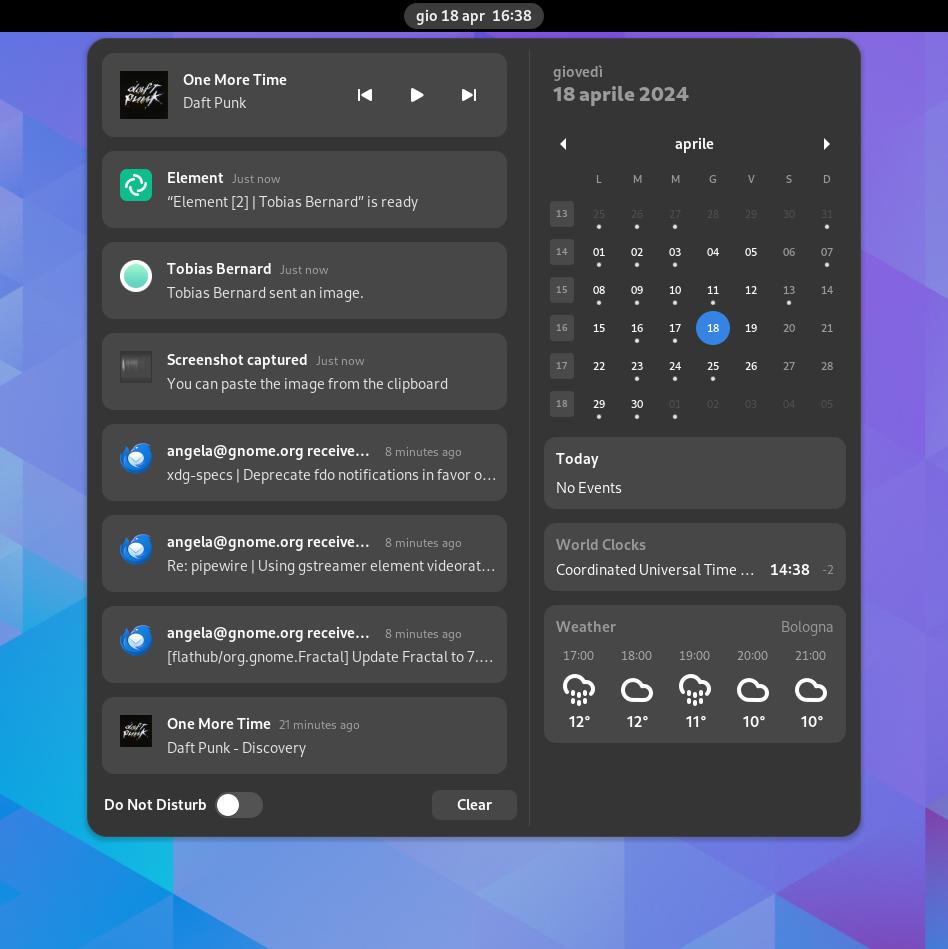
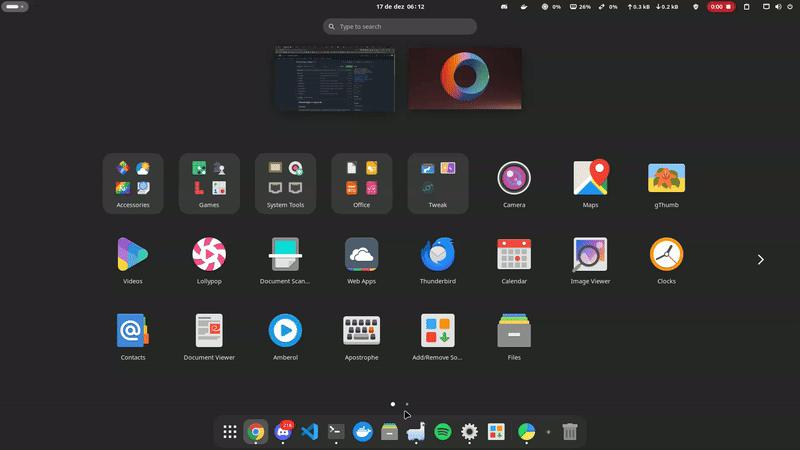
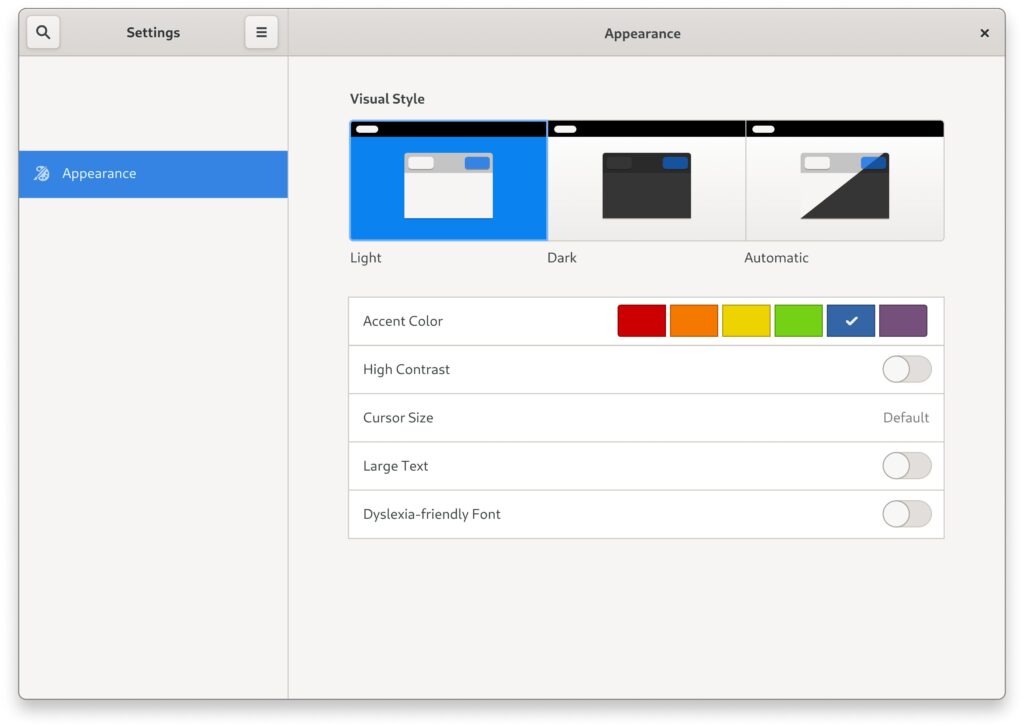
GNOME has always been known for its clean and distraction-free interface. GNOME 50 builds on this foundation with subtle but impactful visual refinements.
Notable UI Changes:
- Improved spacing and typography
- More consistent iconography
- Smoother animations across the system
- Refined quick settings panel
These changes make the desktop feel more polished without overwhelming users with unnecessary complexity.
GNOME 50 vs GNOME 49
A key question for many users is how GNOME 50 compares to its predecessor.
| Feature | GNOME 49 | GNOME 50 |
|---|---|---|
| Performance | Good | Faster & more efficient |
| UI Design | Clean | More refined |
| Animations | Smooth | Noticeably smoother |
| Resource Usage | Moderate | Optimized |
| Accessibility | Strong | Further improved |
The upgrade is evolutionary rather than revolutionary—but still meaningful.
Accessibility and Usability
Accessibility continues to be a priority for GNOME. Version 50 introduces:
- Improved screen reader compatibility
- Better keyboard navigation
- More intuitive system settings
These enhancements ensure a more inclusive experience for a wider range of users.
Who Should Upgrade to GNOME 50?
GNOME 50 is a solid upgrade for:
- Users seeking better performance
- Those using older or limited hardware
- Fans of a clean, distraction-free desktop
- Anyone wanting the latest improvements in Linux UX
If you’re already using GNOME 49, the upgrade will feel smoother and more refined rather than drastically different.
Frequently Asked Questions (FAQ)
Is GNOME 50 faster than GNOME 49?
Yes, GNOME 50 includes performance optimizations that improve responsiveness and reduce resource usage.
Which Linux distributions support GNOME 50?
Many rolling-release distributions and upcoming stable releases are expected to include GNOME 50. Availability depends on your distro’s update cycle.
Is GNOME 50 stable for daily use?
GNOME releases are generally stable, and version 50 continues that trend with improved reliability.
Final Thoughts
GNOME 50 is a refinement-focused release that enhances performance, usability, and visual consistency. While it doesn’t reinvent the desktop, it strengthens GNOME’s position as one of the most user-friendly Linux environments available.
For most users, upgrading to GNOME 50 is a worthwhile step toward a smoother and more efficient computing experience.